ProductionProcess note
Splice vs Loopmasters: Which Sample Library is Better for Producers?
Splice vs Loopmasters — honest comparison for music producers. Covers pricing, library size, quality, DAW integration, and which platform is right for your workflow.
5 min read
Two platforms dominate the royalty-free sample market for electronic music producers: Splice and Loopmasters. They take fundamentally different approaches to how you access and buy sounds.
Here's the honest comparison from a producer who's used both.
The Core Difference
Splice is a subscription service. You pay monthly and get a credit allowance to download sounds from a library of 15M+ samples. It's like Spotify for sounds — broad access, constantly updated, subscription-based.
Loopmasters is a store. You buy individual packs outright, typically for £20–£50 per pack. No subscription needed. You own those sounds permanently from day one without any ongoing cost.
Neither model is strictly better — they serve different needs.
Splice: What You Get
The Library
15 million+ sounds covering every genre imaginable. Loops, one-shots, MIDI files, presets. Updated constantly with new packs from major artists and labels.
The search is good: filter by BPM, key, instrument type, genre, and mood. Preview everything before downloading. This matters — you can find sounds that fit your current project without committing.
Pricing
| Plan | Price | Credits/Month |
|---|---|---|
| Basic | $7.99/month | 100 credits |
| Creator | $13.99/month | 300 credits |
| Producer | $23.99/month | 700 credits |
One credit = one sound (loop, one-shot, or MIDI file). A typical 4-bar loop costs 1 credit. Most producers use the Creator plan.
The math: at Creator ($13.99/month), you get 300 sounds/month. That's $0.047 per sound — essentially free if you use all your credits.
Splice Plugins (Rent-to-Own)
Splice's most underrated feature: rent-to-own access to hundreds of VST plugins. You pay a monthly amount that goes toward owning the plugin outright. Serum ($10/month for a few months), Omnisphere, Massive X, and hundreds more.
For producers who can't afford $200+ plugins upfront, this changes everything. You use the plugin while paying it off, and own it permanently once it's paid.
DAW Integration
The Splice desktop app integrates with FL Studio, Ableton, and other DAWs. You can drag samples directly from the app into your project. Preview samples at your project's BPM automatically. This is genuinely useful — no separate folder management required.
Loopmasters: What You Get
The Library
Smaller but more curated. Hundreds of individual packs, each focused on a specific genre or artist collaboration. Many packs are produced by or made with established artists in their genre — you're getting sounds that were actually used in professional productions.
The editorial quality is higher on average. A Loopmasters progressive house pack will go deeper into the subgenre's sonic palette than a random Splice search would.
Pricing
Individual pack purchase: typically £19.95–£49.95 per pack. A pack usually includes:
- 300–800 royalty-free samples
- Multiple loop categories (leads, chords, arps, bass, drums)
- Often MIDI files
- Sometimes presets
No subscription required. Pay once, own forever.
Loopmasters also offers a subscription via their Loopcloud platform (~£14.99/month) which works similarly to Splice. But Loopmasters' main strength is the individual pack store — deep, curated, genre-specific.
Quality Focus
If you need sounds for a specific subgenre — UK garage, melodic techno, progressive house in the style of the late 2000s EDM era — Loopmasters likely has a pack made by someone who actually produces that music. The production quality ceiling on curated packs is higher than a general search on Splice.
Head-to-Head
| Splice | Loopmasters | |
|---|---|---|
| Library size | 15M+ | Curated hundreds of packs |
| Pricing | Subscription | Per-pack purchase |
| Genre depth | Broad | Deep (per genre/pack) |
| Discovery | Excellent search | Browse packs |
| DAW integration | Built-in app | Loopcloud app |
| Plugin access | Rent-to-own | No |
| Sound quality ceiling | High (varies) | Consistently high |
| Best for | Variety, daily browsing | Specific genre deep dives |
Which One Should You Use?
Use Splice if:
- You're producing across multiple genres or still finding your sound
- You want constant access to new sounds without upfront costs
- You want the rent-to-own plugin option
- You want DAW integration for fast workflow
- You're a beginner who needs variety to experiment
Use Loopmasters if:
- You produce a specific subgenre and want genre-authentic sounds
- You prefer owning sounds outright without monthly fees
- You want packs made by producers who actually work in your target genre
- You're building a focused, professional sample library
Use Both
Honestly? Many producers use both. Splice for quick inspiration and day-to-day browsing. Loopmasters for specific genre packs that become core parts of their sound palette.
If budget is a constraint, start with Splice. The subscription model gives you access to enough variety to produce professionally. Add Loopmasters packs when you have a specific genre or sound design need that requires deeper curation.
What I Use
I primarily use Splice for day-to-day production — the search is fast, the DAW integration saves time, and 300 credits/month is enough for most sessions. For progressive house and Avicii-influenced sounds specifically, I supplement with targeted Loopmasters packs that go deeper into that era's sonic palette.
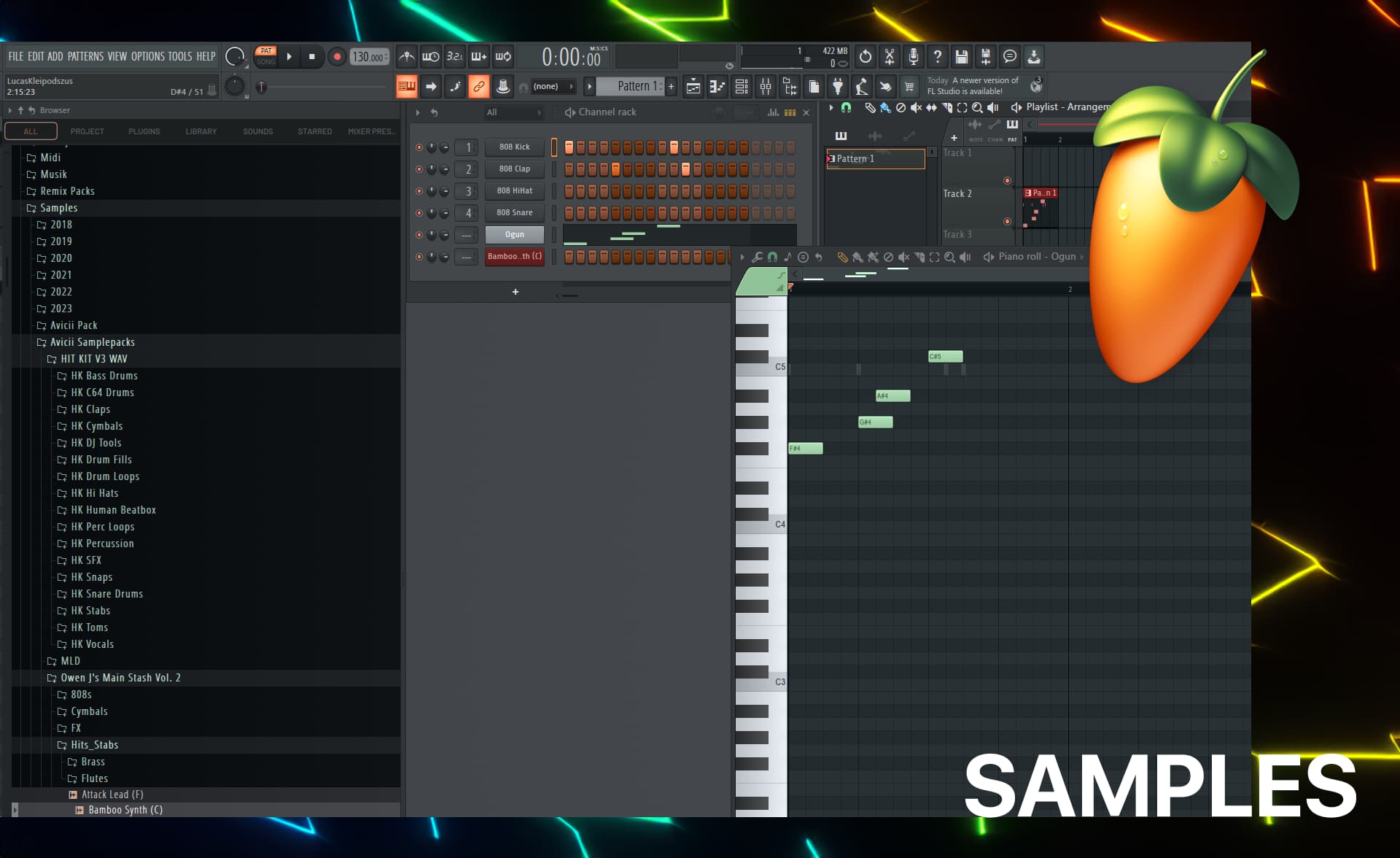
The samples I use most often are in FL Studio Samples I Use — a breakdown of my actual go-to sounds for EDM production.
Related Reading
- FL Studio Samples I Use — My actual sample library breakdown
- FL Studio Workflow Part 1 — How I build tracks from scratch
- Top 5 AI MIDI Generators — AI tools for chord progressions and melodies
Questions / Answers
Frequently asked questions
Is Splice or Loopmasters better for EDM producers?
Both work well for EDM. Splice is better if you want constant access to new sounds through a subscription — great for bedroom producers who want variety. Loopmasters is better if you want high-quality, genre-specific packs from known producers, especially for subgenres like progressive house, techno, or UK garage where Loopmasters has deeper editorial curation.
Are Splice samples royalty-free?
Yes. All sounds you download from Splice with a paid subscription are royalty-free — you can use them in commercial releases without additional licensing fees. The same is true for Loopmasters packs. Always check the specific license terms for each sound pack, but royalty-free usage in commercial music is the standard for both platforms.
Can you cancel Splice and keep the samples?
Yes. Once you download a sample from Splice, you own it permanently — even if you cancel your subscription. Your downloaded sounds remain usable in your productions forever. You just can't download new samples after canceling without resubscribing.
Does Splice have one-shots and drum samples?
Yes. Splice has a massive library of one-shots, drum samples, drum loops, kick drums, hi-hats, snares, and percussion. You can filter by BPM, key, instrument type, and genre. The variety is enormous — from acoustic drum recordings to synthetic 808s and designed percussion.
How many samples does Splice have vs Loopmasters?
Splice has over 15 million sounds and is growing constantly. Loopmasters has a smaller but more curated library — hundreds of individual packs, each typically containing 200–1000 sounds. Splice wins on volume; Loopmasters wins on curation depth within specific genres.
Want more Livvux songs, breakdowns, and producer diary notes?
Follow my YouTube channel for the music and the process
Stay Close to the Sound
Get new Livvux releases, track breakdowns, producer notes, and useful FL Studio or AI-assisted workflow ideas in your inbox.
About the author

Livvux
Lucas is the producer behind Livvux, creating emotional EDM and showing the process behind the sound. Expect FL Studio workflow, AI-assisted ideas, Avicii-inspired music thinking, and personal track breakdowns.
Continue reading
Related posts
Free Livvux producer resources
Download the checklists, guides, and templates behind my emotional EDM workflow.