ProductionProcess note
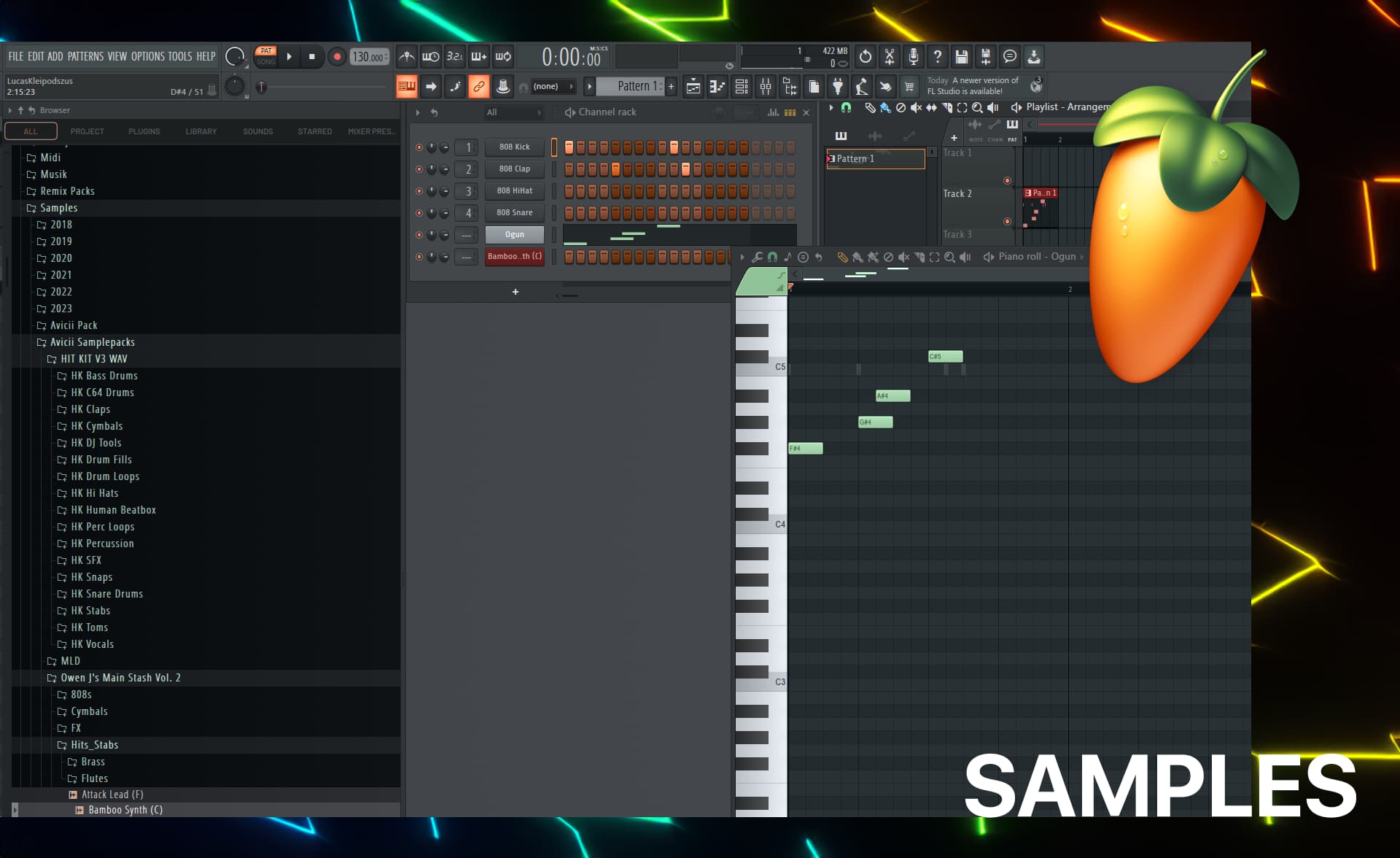
FL Studio Samples (I use) - Sources & Sites
Complete guide to FL Studio sample sources I use. Vengeance packs, Splice, NEXUS, Sylenth1, and more. Plus organization tips, favorite samples, and personal experience with each source.
12 min readUpdated
Welcome to my list of sources for FL Studio samples (Sites & Packages).
This page will show my favorite sites and libraries where I get the best sounds for my productions with FL Studio Samples. High-quality samples are crucial for creating professional music, and these sources have helped me shape my sound.
Who am I?
I’m Livvux, making music since 2011 and using FL Studio since then. I love sharing my knowledge and experience to help other producers create amazing tracks.
You can find my YouTube channel right here:
Sample Sources I'm Using
ReFX Vengeance Packs

Since the beginning of making music, I have loved the Vengeance samples. They offer a lot of variety in terms of dynamics and are ready to drag and drop (.wav). With over 48 sample packages for various genres, I mainly use the House & Club samples.
Splice (KSHMR Pack)
Splice is a website where you can find lots of sounds and music samples to use in your own songs. It’s great for young musicians because you can choose from millions of sounds, like drum beats, melodies, and sound effects. The best part is that the sounds are royalty-free, which means you can use them without paying extra or getting into legal trouble. You can preview and download individual samples, so you only get the sounds you need. With Splice, creating your own music becomes easier and more fun!
Okay, don’t judge me, but I’ve been using them a lot (because they simply work well, most of the time): The KSHMR Pack 1-4:

Here are the links for them:
ReFX NEXUS 4
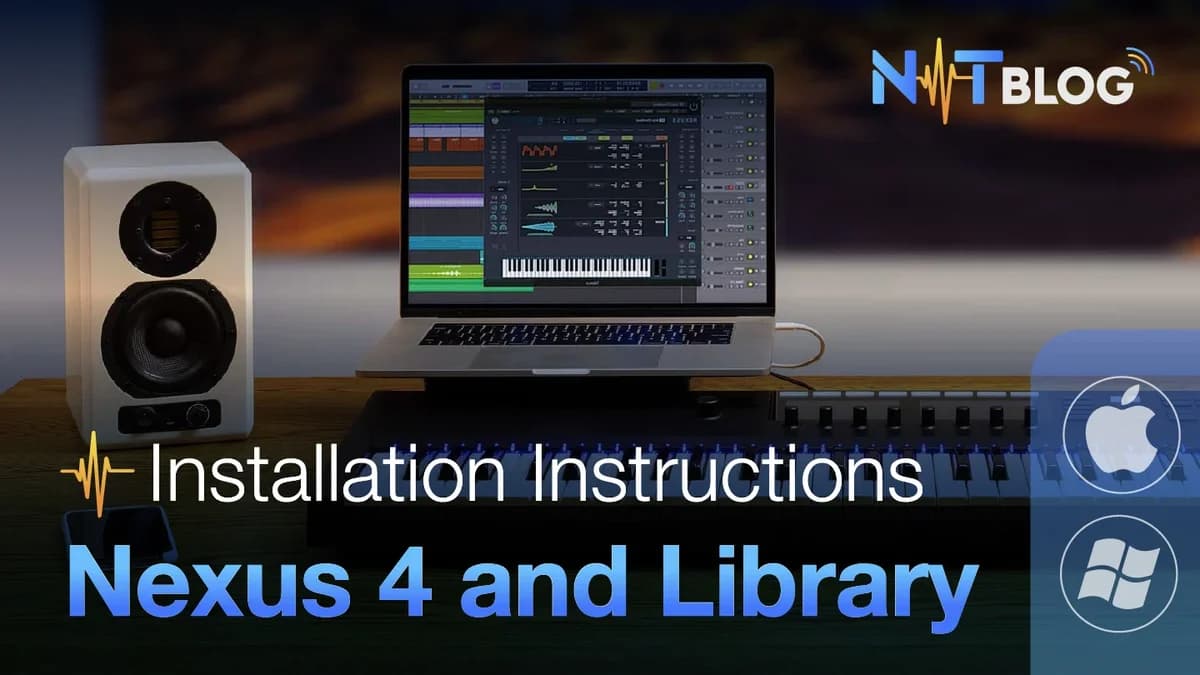
ReFX Nexus is a modern-style synthesizer
It’s a love & hate relationship: ReFX NEXUS 4 is one of my go-to plugins for high-quality sounds. It offers a huge library of presets, from powerful leads to lush pads, perfect for any genre. The sounds are polished and ready to use, which saves a lot of time during production. NEXUS 4 is especially great for electronic and pop music, and I use it extensively in my tracks.
Sylenth1
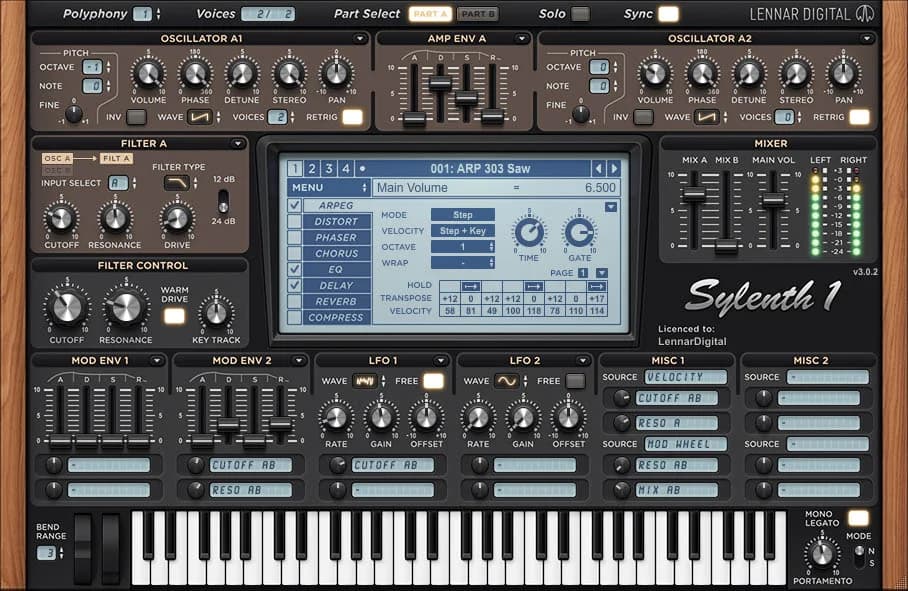
Sylenth1 is another fantastic plugin that I often use. It’s known for its rich and warm analog sounds. Whether I’m looking for fat basslines, sharp leads, or beautiful pads, Sylenth1 has it all. It’s easy to use and very versatile, making it a staple in my production toolkit.
This plugin is great for electronic leads etc.
HIT KIT V3
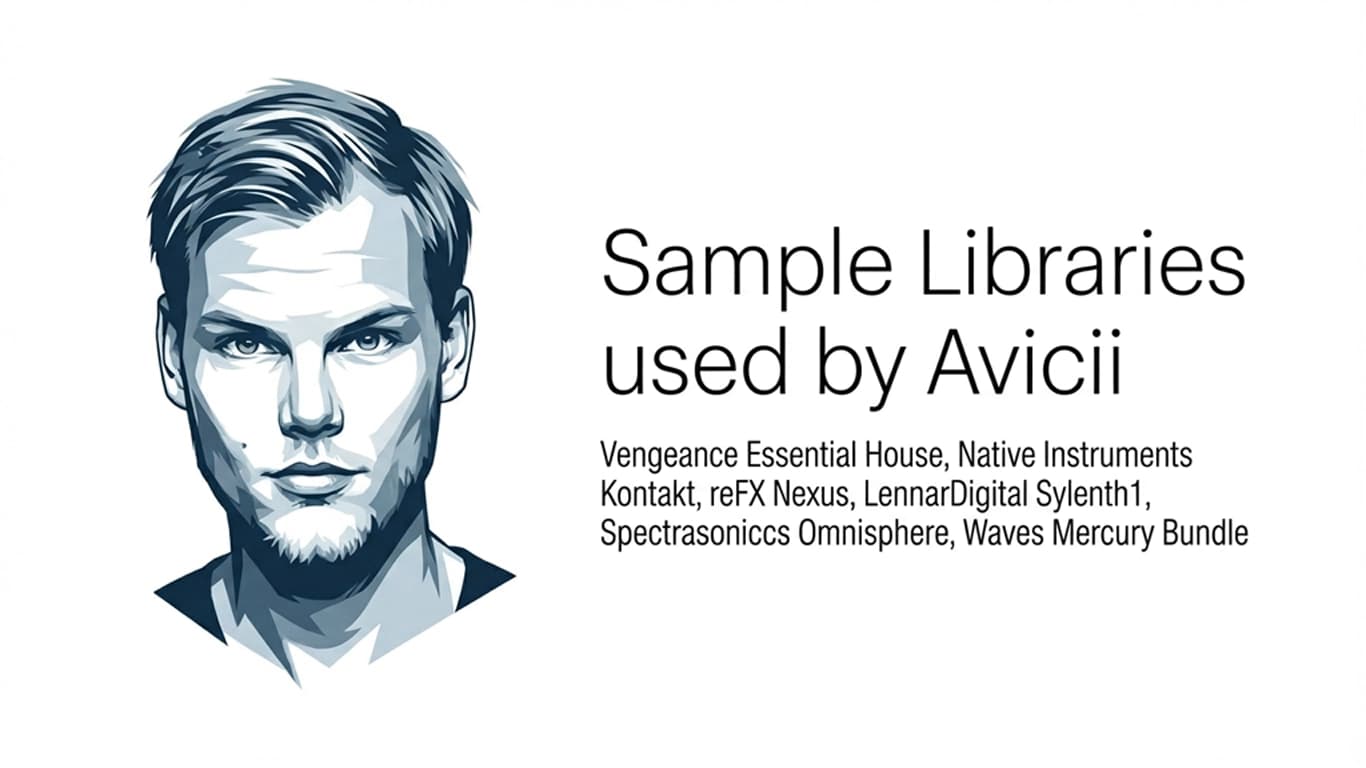
The Hit Kit V3 is a popular sample package that have been used by popular artists like Michael Jackson, Avicii etc. It's a solid sample pack with lots of effects.

Available here: https://www.hitkitsamples.com
Owen J's Main Stash 1.5 (Free)
This is a free package, you can download it on this page:
https://soundpacks.com/free-sound-packs/owen-js-main-stash-1-5
Owen J’s Main Stash 1.5 is a free collection of sounds made especially for making trap and hip-hop music. It has some of Owen J’s favorite samples, including high-quality drums, 808 bass, brass instruments, hits, stabs, sirens, horns, chimes, bells, bongos, cymbals, and stomps. All the sounds are organized into folders like 808s, snares & claps, FX, hats, kicks, hits & stabs, percussion, and vocal sounds. This makes it easy to find the exact sound you need for your music. Using this sample pack will help you create awesome trap beats and get inspired for your next music project.
Samplephonics Snake Davis Sax (Saxophone Samples)
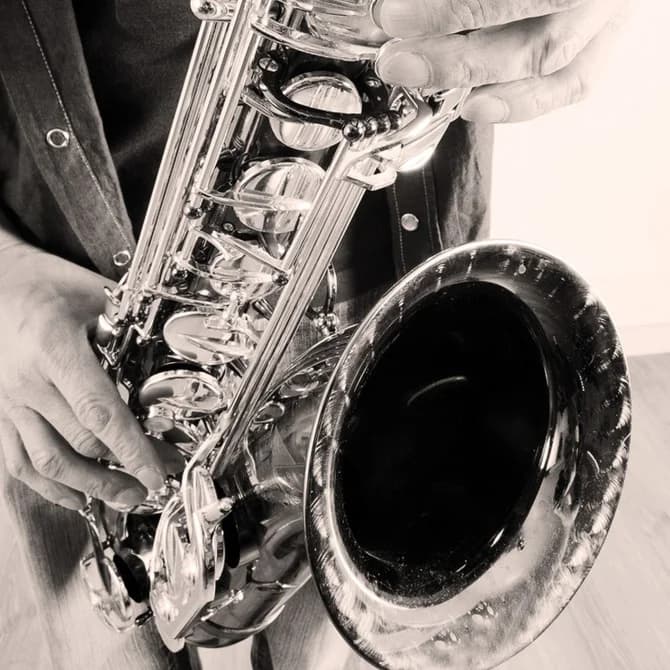
You have heard a sax of this package, I am sure. Radio hits like Forever Yours (Avicii) or Klingande – Jubel feature saxophones of this great pack. Or Faul, Wad Ad, Pnau – Changes … I could continue endlessly. 🙂
Samplephonics Snake Davis Sax ($30)
Native Instruments (Kontakt)
Fits well if you want to build classical/acoustic instruments to your song. Very high-quality sample library (but also expensive). But it's so, so, good.
Advantages:
- Extremely high-quality samples
- Vast library of sounds
- Ideal for classical and acoustic instruments
- Professional-grade software
Disadvantages:
- Very Expensive
- Can be resource-intensive on your computer
TruePianos
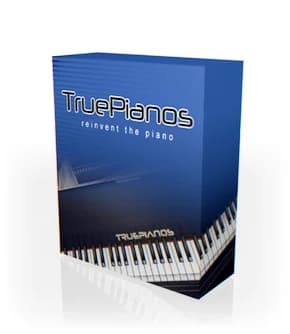
I use TruePianos (Avicii/Tim also used this) for Pianos on EDM/Dance/Electronic songs that don’t need to use HQ-classical-sound.
Warez Sites
I want to be honest: Yes, I have downloaded some samples from sites like audioz. But only to test them and not for production uses. If I liked a package, I bought it. I used sites like:
- Piratebay However, I recommend buying packs if you like them and want to use them for your production purposes.
(Some) YouTube Channels
There are A LOT OF channels on YouTube that offer “free sample packages”. Just type into the YT search, something like: “Martin Garrix Sample Pack” and you’ll see what I mean:
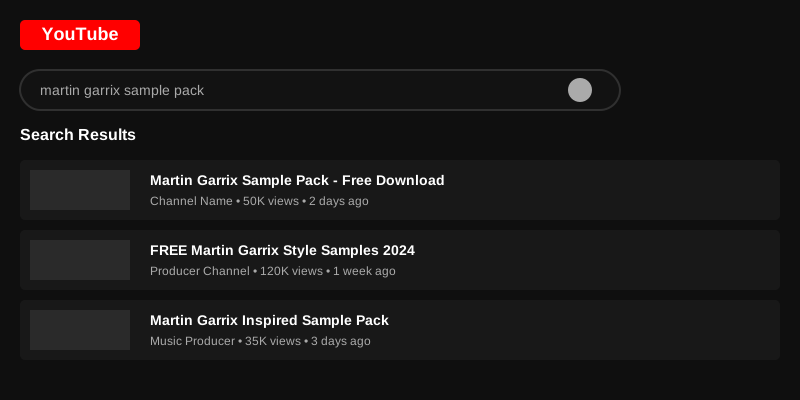
(click on the image to see what I mean)
And yep: I really do that (still) quite often. This is one of the biggest tips I will give you here on this post, as I do this since I started making music in 2011. 😀
Shoutout to the following channels:
My Personal Experience with Each Source
Okay, so I've listed all these sources, but let me tell you about my actual experience with each one. What I use them for, what I love about them, and what I don't.
ReFX Vengeance Packs
I've been using Vengeance samples since I started making music in 2011. They're expensive, but honestly, they're worth it if you're serious about production.
What I love:
- The quality is consistently high
- They're ready to use – no need for heavy processing
- Great variety within each pack
- The House & Club packs are perfect for EDM
What I use them for:
- Kick drums (especially from House & Club packs)
- Hi-hats and percussion
- FX and risers
- Sometimes I'll use their synth loops as inspiration, then recreate them myself
My favorite samples: I can't name specific files (there are thousands!), but I always go to the Vengeance House & Club packs when I need a solid kick or snare. They just work.
Splice (KSHMR Packs)
Okay, don't judge me, but I use the KSHMR packs a lot. I know some producers look down on them, but they work well for me.
What I love:
- The quality is good
- Easy to browse and preview
- The subscription model is affordable
- Great for when I need something quickly
What I use them for:
- Melodic elements and loops
- Percussion
- FX and transitions
- Inspiration when I'm stuck
My workflow: I'll browse Splice when I'm looking for a specific sound. I'll preview a bunch of samples, download the ones I like, then import them into FL Studio. Sometimes I use them as-is, other times I'll chop them up and rearrange them.
ReFX NEXUS 4
This is a love & hate relationship, honestly. NEXUS is expensive, and some people say it's overused. But I still use it because the sounds are just so good.
What I love:
- The presets are polished and ready to use
- Great for leads and pads
- Saves time when I need something quickly
- The quality is consistently high
What I hate:
- It's expensive
- Some presets are overused in EDM
- It can make your tracks sound generic if you're not careful
How I use it: I use NEXUS for inspiration and starting points. I'll load a preset, tweak it, add effects, and make it my own. I rarely use presets as-is – I always modify them to fit my track.
My favorite presets: I love the lead presets, especially the ones with that classic EDM sound. But I always tweak them – change the attack, add some delay, maybe layer them with other sounds.
Sylenth1
Sylenth1 is one of my go-to synths. It's not as flashy as NEXUS, but it's more versatile.
What I love:
- The warm, analog sound
- Easy to program
- Great for basslines and leads
- Doesn't eat up too much CPU
What I use it for:
- Basslines (especially for house tracks)
- Lead synths
- Pads and atmospheres
- Creating my own sounds from scratch
My workflow: I'll start with a preset, then tweak it until it sounds right for my track. Or I'll start from an init patch and build something from scratch. Sylenth1 is great for both approaches.
HIT KIT V3
This is a classic sample pack. It's been used by so many artists, including Michael Jackson and Avicii.
What I love:
- The history – knowing these samples were used in iconic tracks
- Great variety of effects
- High quality
- Affordable
What I use them for:
- FX and transitions
- Percussion hits
- Sometimes I'll use them as inspiration
My take: These samples are great, but they're also very recognizable. I use them sparingly, and I always process them to make them my own.
Owen J's Main Stash 1.5 (Free)
This is a free pack, and honestly, it's pretty good for free. I don't use it as much as my paid packs, but it's nice to have.
What I love:
- It's free!
- Good quality for a free pack
- Great for trap and hip-hop
What I use them for:
- When I'm experimenting with different genres
- As a backup when I need something quickly
- For learning and practice
Samplephonics Snake Davis Sax
This is one of my favorite sample packs. The saxophone samples are just incredible.
What I love:
- The quality is amazing
- You've definitely heard these samples in hit songs
- Great for adding that organic touch to electronic tracks
What I use them for:
- Adding melodic elements to my tracks
- Creating that classic EDM sax sound
- When I want something that sounds organic and human
My favorite use: I love using these sax samples in house tracks. They add that perfect touch of organic sound to electronic production.
Native Instruments Kontakt
Kontakt is expensive, but it's worth it if you want high-quality acoustic and classical instruments.
What I love:
- The quality is incredible
- Great for adding real instruments to electronic tracks
- Huge library of sounds
What I hate:
- It's very expensive
- Can be resource-intensive
- The interface can be overwhelming
How I use it: I use Kontakt when I need real instruments – strings, brass, orchestral elements. It's perfect for when I want to add that organic touch to my electronic productions.
TruePianos
I use TruePianos for piano sounds in EDM tracks. It's not as high-quality as Kontakt, but it's lighter and works well for electronic music.
What I love:
- Lightweight and efficient
- Good enough quality for EDM
- Easy to use
- Affordable
What I use it for:
- Piano parts in house and EDM tracks
- When I don't need a super high-quality classical piano sound
Sample Organization Tips
Okay, so you've got all these samples. Now what? Here's how I organize mine:
My Folder Structure
I organize my samples by type, not by source. Here's my structure:
Samples/
├── Drums/
│   ├── Kicks/
│   ├── Snares/
│   ├── HiHats/
│   └── Percussion/
├── Bass/
├── Melodic/
│   ├── Leads/
│   ├── Pads/
│   └── Plucks/
├── FX/
│   ├── Risers/
│   ├── Impacts/
│   └── Transitions/
└── Vocals/
This way, when I'm looking for a kick drum, I know exactly where to go – regardless of which pack it came from.
Naming Conventions
I rename samples when I import them into FL Studio. Here's my system:
- Kicks:
Kick_[PackName]_[Number](e.g.,Kick_Vengeance_HC_01) - Snares:
Snare_[PackName]_[Number] - FX:
FX_[Type]_[PackName](e.g.,FX_Riser_KSHMR_01)
This helps me remember where samples came from and find them quickly.
Tagging in FL Studio
FL Studio has a tagging system in the browser. I use it to tag samples by:
- Genre (house, trap, etc.)
- Mood (dark, uplifting, etc.)
- Source pack
This makes it easy to find samples that fit a specific vibe.
My Go-To Samples
Here are some of my most-used samples (I can't name specific files, but I can tell you the types):
Kick Drums:
- Vengeance House & Club kicks – I use these in almost every house track
- KSHMR kicks – Great for more modern EDM
Snares:
- Vengeance snares – Classic EDM sound
- Custom processed snares – I'll take a sample and process it heavily
FX:
- KSHMR risers – I use these a lot
- Vengeance impacts – Great for transitions
Melodic:
- NEXUS leads (heavily processed)
- Sylenth1 basslines
- Snake Davis sax samples
Tips for Using Samples Effectively
Here are some tips I've learned over the years:
1. Don't Use Samples As-Is
Always process samples to make them your own. Add effects, chop them up, reverse them, pitch them – do something to make them unique.
2. Layer Samples
Don't be afraid to layer multiple samples together. A kick from one pack layered with a kick from another can create a unique sound.
3. Process Everything
Even if a sample sounds good, process it. Add compression, EQ, reverb – make it fit your track.
4. Build Your Own Library
Over time, you'll develop your own library of go-to samples. Keep the ones you use most, and don't be afraid to delete samples you never use.
5. Experiment
Don't just stick to one source. Experiment with different packs, different genres, different sounds. You never know what will inspire you.
The End & Final Words
Producing is about learning the right technique and creativity. Creativity involves finding your own sound, which is a significant part of anyone's career. I hope you find these sources as cool as I do. High-quality samples can REALLY make a huge difference in your productions with FL Studio, and these platforms offer some of the best sounds available.
I'm thinking about making my own collection of samples (and maybe offer them as download here). I'm also excited about how AI is evolving in music – tools like Suno AI and AI MIDI generators are changing the game for producers.
Any sources I've missed? Please write them down in the comments. Happy producing!
What's Next?
If you found this helpful, check out my other production-related posts:
- How to Use Suno AI – Learn about AI music generation
- How to Export Suno AI Stems – Separate your AI tracks for better mixing
- How to Release Your Songs on Spotify – Get your music out there
- Why DistroKid Is the Best Music Distributor – Complete guide to music distribution
And if you want to hear my music (which uses samples from these sources):
What are your favorite sample sources? How do you organize your samples? I'd love to hear your tips – drop a comment or reach out on social media!
Questions / Answers
Frequently asked questions
What are the best sample sources for FL Studio?
Some of the best sources include ReFX Vengeance Packs (especially House & Club), Splice (with KSHMR packs), ReFX NEXUS 4, Sylenth1, HIT KIT V3, and Samplephonics. YouTube channels also offer free sample packs, and Native Instruments Kontakt is excellent for high-quality acoustic instruments.
Are free sample packs worth using?
Yes, but quality varies. Free packs like Owen J's Main Stash 1.5 can be good for learning and experimentation. However, paid packs like Vengeance typically offer higher quality and more polished sounds. Use free packs to practice, but invest in quality packs for professional productions.
How should I organize my samples in FL Studio?
Organize by type rather than source. Create folders for Drums (Kicks, Snares, HiHats, Percussion), Bass, Melodic (Leads, Pads, Plucks), FX (Risers, Impacts, Transitions), and Vocals. Use consistent naming conventions like "Kick_Vengeance_HC_01" to remember sources and find samples quickly.
Should I use samples as-is or process them?
Always process samples to make them your own. Add effects, chop them up, reverse them, pitch them, or layer multiple samples together. Even if a sample sounds good, process it with compression, EQ, and reverb to make it fit your track and sound unique.
What's the difference between Vengeance and KSHMR sample packs?
Vengeance packs are known for high-quality, ready-to-use samples perfect for EDM and house music, especially their House & Club packs. KSHMR packs (available on Splice) are more modern and versatile, great for contemporary EDM. Both are excellent, but Vengeance is more expensive while KSHMR is available through Splice's subscription model.
Can I use samples from YouTube channels legally?
It depends on the channel and the samples. Many YouTube channels offer free sample packs, but you should check the licensing terms. Some are royalty-free, while others may have restrictions. Always verify the license before using samples in commercial projects.
What's the best way to find samples that fit my track?
Use FL Studio's tagging system to tag samples by genre, mood, and source pack. When looking for a specific sound, browse by type (e.g., all kicks) rather than by pack. Preview samples in context with your track, and don't be afraid to experiment with samples from different genres.
Want more Livvux songs, breakdowns, and producer diary notes?
Follow my YouTube channel for the music and the process
Stay Close to the Sound
Get new Livvux releases, track breakdowns, producer notes, and useful FL Studio or AI-assisted workflow ideas in your inbox.
About the author

Livvux
Lucas is the producer behind Livvux, creating emotional EDM and showing the process behind the sound. Expect FL Studio workflow, AI-assisted ideas, Avicii-inspired music thinking, and personal track breakdowns.
Continue reading
Related posts
Free Livvux producer resources
Download the checklists, guides, and templates behind my emotional EDM workflow.