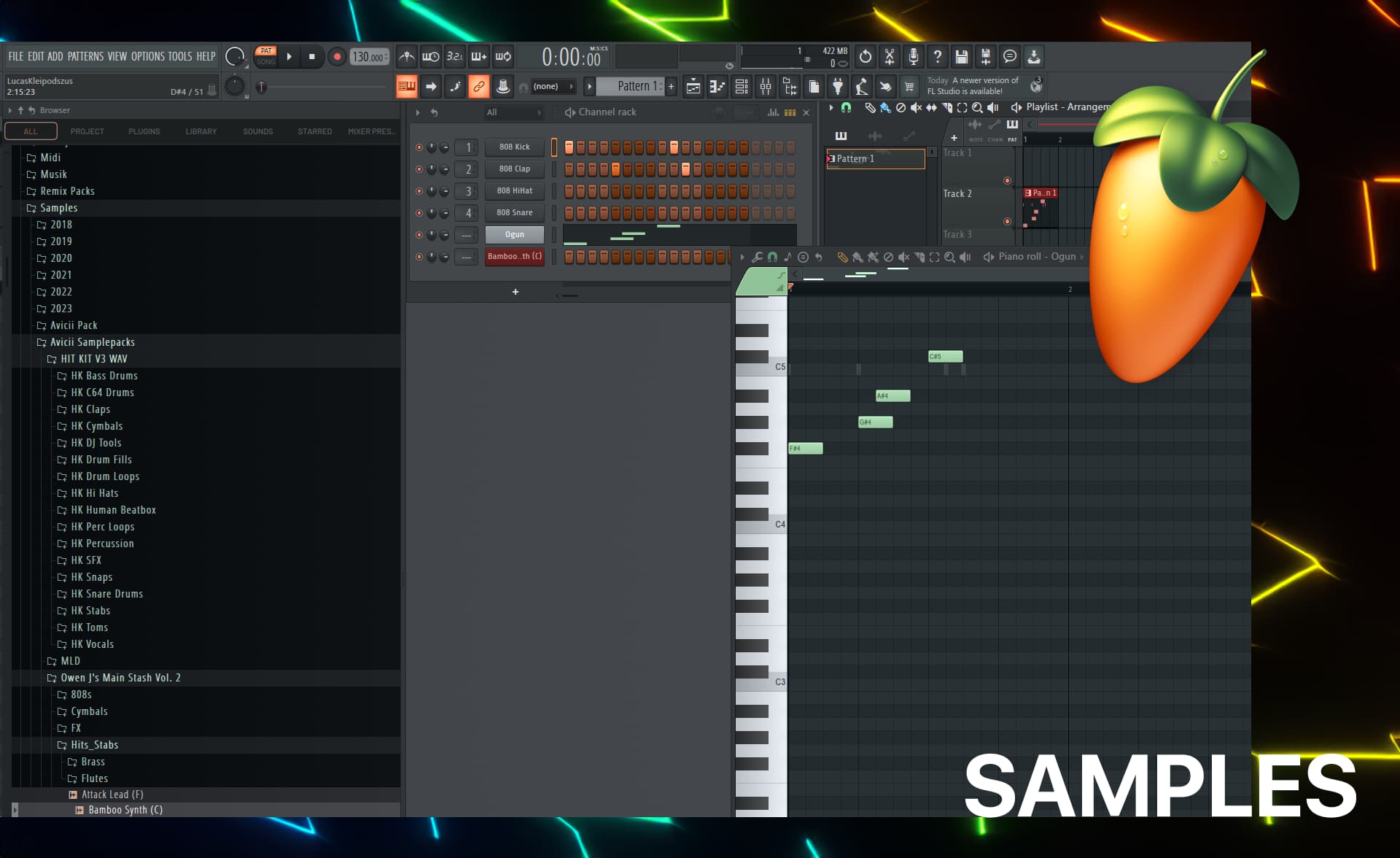
ProductionProcess note
FL Studio Workflow Mastery Part 3: Mixing, Mastering & Export
Complete your FL Studio workflow with professional mixing and mastering techniques. Learn gain staging, EQ strategies, compression workflows, and export settings for release-ready tracks.
11 min readUpdated
FL Studio Workflow Mastery Part 3: Mixing, Mastering & Export
Welcome to the final installment of the FL Studio Workflow Mastery series! In Part 1, we covered project setup. In Part 2, we mastered sound design. Now let's complete the journey with professional mixing, mastering, and export workflows.
The Mixing Mindset
Mixing vs. Producing
Production is about creativity—choosing sounds, writing melodies, arranging sections.
Mixing is about clarity—making everything heard, creating space, balancing levels.
Key insight: The best mix decisions happen during production. Choose sounds that work together from the start.
The Mixing Workflow Order
Follow this order for consistent results:
1. Gain Staging (levels)
2. Editing (arrangement, timing)
3. Static Mix (balance without effects)
4. Subtractive EQ (clean up)
5. Compression (control dynamics)
6. Additive EQ (enhance)
7. Spatial Effects (reverb, delay)
8. Automation (movement)
9. Final Polish
Step 1: Gain Staging
Why Gain Staging Matters
Proper gain staging:
- Prevents clipping
- Allows plugins to work optimally
- Creates headroom for mixing
- Ensures consistent levels
The -18dB Rule
Aim for:
- Individual channels: Peak around -18dB to -12dB
- Master channel: Peak around -6dB to -3dB
- No channel should hit 0dB
In FL Studio:
- Use the meter on each mixer channel
- Watch the peak hold indicator
- Adjust channel faders, not plugin output gains
Practical Gain Staging
Method 1: Channel by channel
- Solo each channel
- Play the loudest part
- Adjust fader so peak is -18dB
- Unsolo, check in context
Method 2: The pink noise method
- Play pink noise at -18dB
- Unsolo each channel one by one
- Adjust until just audible under pink noise
- Provides rough balance starting point
Method 3: Start low, bring up
- Set all faders to -infinity
- Start with most important element (usually kick)
- Bring up next element to appropriate level
- Continue until everything is balanced
Step 2: The Static Mix
What is a Static Mix?
A static mix is your balance without any effects:
- No EQ
- No compression
- No reverb
- Just volume faders and pan knobs
Why Start Static?
Benefits:
- Hear what's really there
- Fix arrangement issues early
- Make better processing decisions later
- Faster workflow
Static Mix Workflow
1. Start with the foundation:
- Drums (kick, snare, hats)
- Bass
- These need to be solid before adding anything
2. Add rhythmic elements:
- Percussion
- Rhythmic synths
- Support the groove
3. Add harmonic elements:
- Chords/pads
- Lead melodies
- Fill out the spectrum
4. Add vocals (if any):
- Lead vocal on top
- Backing vocals supporting
5. Add FX:
- Impacts
- Risers
- Atmosphere
Panning Strategy
Center (mono):
- Kick drum
- Snare
- Bass
- Lead vocal
- Main lead synth
Slight width (10-30%):
- Hi-hats
- Percussion
- Rhythm guitars
Medium width (30-60%):
- Backing vocals
- Synth layers
- Pads
Full width:
- Background textures
- Stereo effects
- Wide pads
FL Studio pan knob:
- Right-click → "Reset" for center
- Hold Ctrl for fine adjustment
- Double-click to type value
Step 3: Subtractive EQ (Cleaning Up)
The Goal of Subtractive EQ
Remove frequencies that:
- Cause muddiness
- Create harshness
- Conflict with other elements
- Don't contribute to the sound
The High-Pass Filter Rule
Apply high-pass to everything except:
- Kick drum
- Bass
- Low synths
Settings:
- Kick: No HPF (or 20-30Hz)
- Bass: 30-50Hz
- Synths: 80-120Hz
- Vocals: 80-100Hz
- Hihats: 300-500Hz
In Fruity Parametric EQ 2:
- Enable HP (high-pass) filter
- Set slope (12dB or 24dB per octave)
- Adjust frequency
Frequency Slotting
Give each instrument its space:
| Frequency Range | Primary Occupant | Supporting Elements |
|---|---|---|
| 20-60Hz | Sub bass | Kick sub |
| 60-120Hz | Bass fundamental | Kick body |
| 120-250Hz | Warmth zone | Keep clear for bass |
| 250-500Hz | Body/muddiness | Cut here to reduce mud |
| 500Hz-2kHz | Presence | Lead vocals, synths |
| 2-5kHz | Clarity/attack | Snare, vocals, leads |
| 5-10kHz | Sparkle/air | Cymbals, synth shimmer |
| 10-20kHz | Air/sheen | High hats, details |
Common EQ Moves
Kick drum:
- Boost 60Hz for sub power
- Cut 300Hz for clarity
- Boost 3-5kHz for click/attack
- Cut 8kHz+ if too harsh
Snare:
- Boost 200Hz for body
- Cut 400Hz for boxiness
- Boost 5kHz for snap
- High-pass at 100Hz
Bass:
- Boost 60-80Hz for sub
- Cut 200-300Hz for clarity
- Boost 1-3kHz for presence
- Consider multiband compression
Vocals:
- High-pass at 80-100Hz
- Cut 200-400Hz for muddiness
- Boost 3-5kHz for presence
- De-ess at 5-8kHz
Synths:
- High-pass at 100-200Hz
- Cut competing frequencies
- Boost character frequencies
- Roll off harsh highs
Step 4: Compression
Compression Goals
Use compression to:
- Control dynamics (even out levels)
- Add punch (emphasize transients)
- Glue elements together (bus compression)
- Shape tone (different character types)
Compression Settings Guide
Drums (Fruity Limiter):
Threshold: -12dB to -6dB
Ratio: 4:1 to 8:1
Attack: 1-10ms (let transients through)
Release: 50-100ms (fast, snappy)
Gain: Compensate for reduction
Bass (Fruity Limiter):
Threshold: -12dB to -8dB
Ratio: 4:1 to 6:1
Attack: 5-15ms
Release: 50-150ms
Gain: Match input level
Vocals (Fruity Compressor or Limiter):
Threshold: -18dB to -12dB
Ratio: 3:1 to 6:1
Attack: 5-15ms (let consonants through)
Release: 40-80ms
Gain: Make up 3-6dB reduction
Busses (Maximus or Limiter):
Threshold: -18dB to -12dB
Ratio: 2:1 to 4:1
Attack: 10-30ms
Release: Auto or 100-300ms
Goal: 1-3dB reduction (glue)
Sidechain Compression
Kick → Bass (classic workflow):
Method 1: Fruity Limiter Sidechain
- On bass channel, open Fruity Limiter
- Sidechain tab
- Select kick channel from dropdown
- Adjust threshold and ratio
Settings:
Threshold: -20dB to -10dB
Ratio: 4:1 to 10:1
Attack: 0.1ms (fast)
Release: 100-200ms (creates pump)
Knee: 6dB (smooth)
Method 2: Gross Beat (creative sidechain)
- Add Gross Beat to bass channel
- Sidechain from kick
- Use volume automation pattern
- More control over shape
Parallel Compression
For punch without squash:
- Route channel to two mixer channels
- Channel A: Dry (no compression)
- Channel B: Heavily compressed
- Blend to taste
Or use plugin mix knob:
- Fruity Limiter has "Mix" control
- 50% = equal dry/compressed
- 100% = fully compressed
Step 5: Additive EQ (Enhancement)
When to Add vs. Subtract
Subtract first, then add:
- Clean up with subtractive EQ
- Compress to control dynamics
- Add EQ to enhance character
Additive EQ philosophy:
- Boost what makes the sound special
- Enhance clarity and presence
- Add sparkle and air
Strategic Boosts
Low-end warmth:
- +2-3dB at 100-200Hz on bass
- Use wide Q (low slope)
Vocal presence:
- +2-4dB at 3-5kHz
- Narrow Q, find the sweet spot
High-end air:
- +1-2dB at 10-15kHz
- High-shelf, wide Q
Synth character:
- Find the "magic frequency"
- Boost 2-4dB
- Sweep to find sweet spot
EQ Plugin Order
Typical chain:
Channel → EQ (subtractive) → Compression → EQ (additive) → EffectsAlternative:
Channel → Compression → EQ → More compression → EffectsThe key: There are no rules, only results. Experiment!
Step 6: Spatial Effects (Reverb & Delay)
Reverb Strategy
Don't put reverb on everything!
Use reverb for:
- Creating space and depth
- Glueing elements together
- Adding atmosphere
- Making digital sounds natural
Send vs. Insert:
Sends (recommended):
- One reverb plugin, multiple sources
- Consistent space
- Easier to control
- Less CPU usage
Inserts:
- Unique reverb per channel
- Special effects
- Creative processing
Setting up sends in FL Studio:
- Add reverb to mixer channel 29-32
- On source channel, turn up send knob
- Keep source channel fader up
- Adjust send level for amount
Reverb Types and Uses
Short/Room (0.5-1.5s):
- Drums (adds space without wash)
- Percussion
- Creating "room" sound
Medium/Hall (1.5-3s):
- Vocals
- Lead instruments
- General purpose
Long/Ambient (3s+):
- Pads
- Atmospheric elements
- Special effects
Pre-delay:
- 0-20ms: Intimate, close
- 20-40ms: Natural space
- 40ms+: Distinct separation
Delay Techniques
Timing:
- 1/4 note: Rhythmic, obvious
- 1/8 note: Subtle movement
- 1/8 dotted: Bouncy, groovy
- 1/16: Fast, filling
In Fruity Delay 3:
- Set time (sync to BPM)
- Adjust feedback (20-30% for subtle)
- Mix level (15-25% typically)
- Filter highs for subtlety
Ping-pong delay:
- Left-right bouncing
- Creates width
- Great for fills
Creating Depth
Front to back placement:
Front (dry, present):
- Lead vocals
- Kick and snare
- Main lead synth
Middle (slight reverb):
- Rhythm guitars
- Supporting synths
- Backing vocals
Back (more reverb):
- Pads
- Background textures
- Ambient elements
Control with:
- Reverb amount (wet/dry)
- Pre-delay (shorter = closer)
- High-frequency content (darker = farther)
Step 7: Automation
What to Automate
Essential automations:
- Filter sweeps (build-ups)
- Reverb sends (distance changes)
- Volume rides (balance adjustments)
- Effect wet/dry (moments)
Creative automations:
- Pitch effects
- Distortion amount
- Delay feedback
- Panning movement
FL Studio Automation Workflow
Method 1: Right-click automation
- Right-click any knob
- "Create automation clip"
- Draw automation in playlist
Method 2: Record automation
- Enable record (red dot)
- Enable automation record
- Play project
- Move controls in real-time
- Stop to save
Method 3: Edit existing automation
- Find automation clip in playlist
- Double-click to open editor
- Draw points or curves
- Use hold, single curve, or double curve modes
Common Automation Moves
Build-up filter sweep:
- Automate low-pass filter from closed to open
- Start 8-16 bars before drop
- Full open at drop
Vocal reverb throws:
- Automate reverb send up at end of phrases
- Creates "tail" effect
- Back to dry for next phrase
Drop impact:
- Mute elements 1 beat before drop
- Full level on drop
- Creates impact
Volume rides:
- Subtle 1-2dB adjustments
- Even out vocal levels
- Balance changing elements
Step 8: The Final Polish
Before Mastering Checklist
Listen on multiple systems:
- Studio monitors
- Headphones
- Phone speaker
- Car stereo
Check for:
- No clipping on master
- Balanced frequency spectrum
- Clear low-end (kick and bass defined)
- Vocals sit on top (if present)
- Stereo field is balanced
- Dynamics are appropriate
- No harsh frequencies
Reference Track Comparison
How to use references:
- Import reference to playlist
- Route to separate output (or mute/unmute)
- Match volume (very important!)
- A/B compare sections
- Note differences
What to compare:
- Low-end balance
- High-end presence
- Vocal level
- Stereo width
- Overall loudness
Mastering in FL Studio
Mastering Chain
Simple effective chain:
Master Channel → EQ → Compression → Limiter1. Master EQ (Fruity Parametric EQ 2):
High-pass: 20-30Hz (remove sub rumble)
Low shelf: +1-2dB at 100Hz (warmth, if needed)
Mid cut: -1dB at 300-400Hz (clarity, if muddy)
High shelf: +1dB at 12kHz (air, if dull)
2. Master Compression (Fruity Limiter):
Threshold: -18dB to -12dB
Ratio: 1.5:1 to 2:1
Attack: 20-40ms
Release: Auto
Gain reduction: 1-3dB max
3. Stereo Enhancement (optional):
- Fruity Stereo Enhancer
- Subtle widening (10-20%)
- Keep bass mono
4. Limiter (Fruity Limiter):
Ceiling: -0.3dB to -1.0dB
Threshold: -14dB to -8dB (for streaming loudness)
Release: 100-300ms
Goal: -14 LUFS integrated
Loudness Targets by Platform
| Platform | Target | Peak | Notes |
|---|---|---|---|
| Spotify | -14 LUFS | -1dBTP | Standard streaming |
| Apple Music | -16 LUFS | -1dBTP | Slightly quieter |
| YouTube | -14 LUFS | -1dBTP | Matches Spotify |
| SoundCloud | -8 LUFS | -1dBTP | Louder, less dynamic |
| Club/DJ | -6 to -8 LUFS | -1dBTP | Loud, compressed |
Measuring Loudness
In FL Studio:
Fruity Limiter:
- Shows peak and RMS
- Not perfect for LUFS
Better options:
- YouLean Loudness Meter (free VST)
- TBProAudio mvMeter2 (free)
- FL Studio's Wave Candy (stock, has LUFS)
Exporting Your Track
Export Settings Guide
For Streaming (Final Release):
Format: MP3 or WAV
Bit depth: 16-bit
Sample rate: 44.1kHz
MP3 quality: 320kbps (if MP3)
Normalize: No (mastered already)
For Archive (Keep Forever):
Format: WAV
Bit depth: 24-bit or 32-bit float
Sample rate: 48kHz (video standard)
For Collaboration:
Format: WAV
Bit depth: 24-bit
Sample rate: 48kHz
Headroom: -6dB (not limited)
FL Studio Export Dialog
File → Export → WAV/MP3:
Mode:
- Full song
- Selection (if you want just part)
Quality:
- 512-point sinc (best, slowest)
- Lower for faster export
Options:
- dithering: Use for 16-bit export
- HQ for all plugins: Yes (slower but better)
Export Workflow
1. Final listen-through
- Export draft
- Listen on different systems
- Note any issues
2. Make final tweaks
- Fix any problems
- Re-export
3. Create multiple versions:
- Master (streaming)
- Instrumental (no vocals)
- Radio edit (shorter)
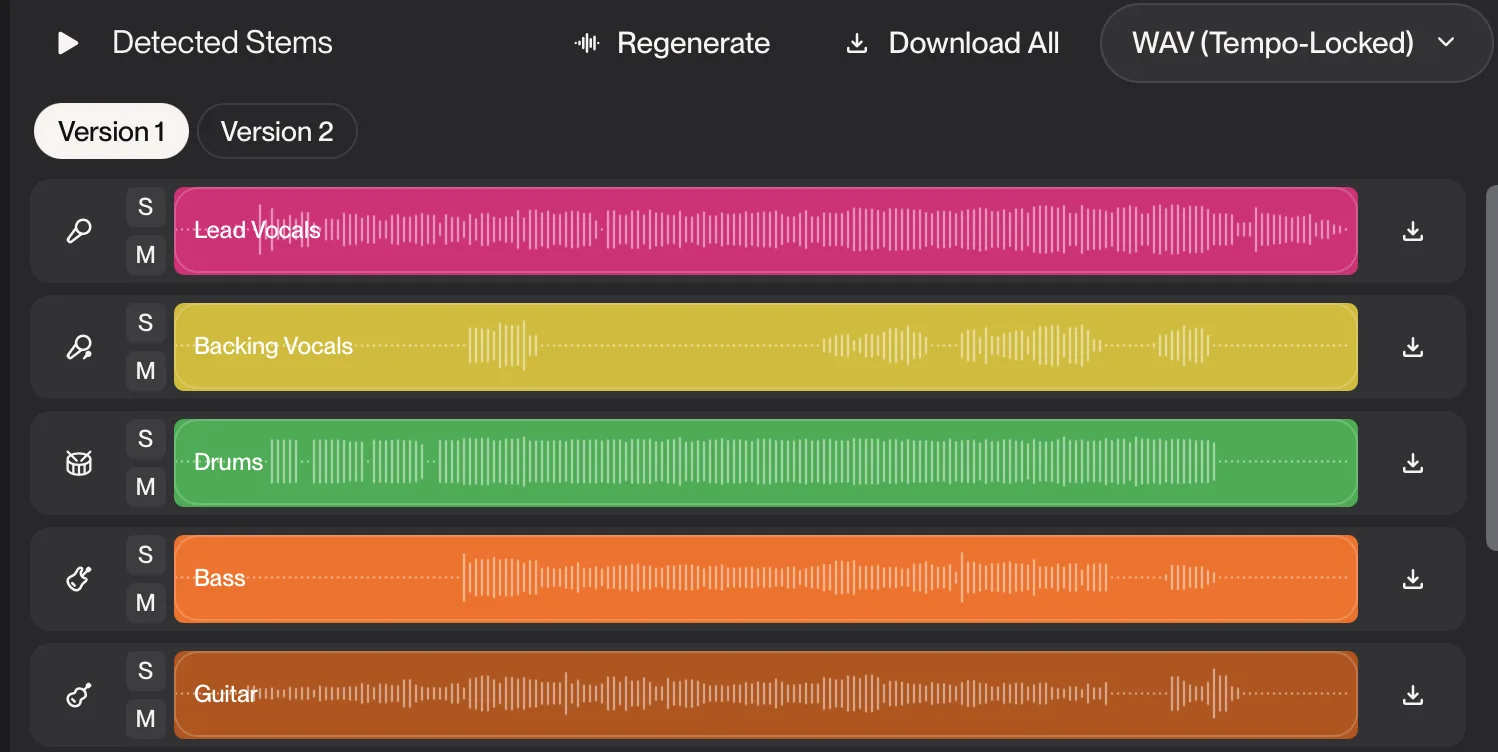
- Stems (for remixing)
Stem Export
When to provide stems:
- Remix contests
- Collaboration
- Live performance
- Licensing
How to export stems in FL Studio:
- Solo each mixer channel
- Export full song length
- Repeat for all channels
Or use Patcher/Edison method:
- Add Edison to each channel
- Record during playback
- Save each recording
Stem organization:
Stems/
├── 01_Kick.wav
├── 02_Snare.wav
├── 03_Hihats.wav
├── 04_Bass.wav
├── 05_Lead.wav
├── 06_Chords.wav
├── 07_Pad.wav
└── 08_Vocals.wav
Quality Control Checklist
Before Final Export
Technical checks:
- No clipping anywhere
- -14 LUFS integrated loudness
- Peak below -1dBTP
- No pops or clicks
- Clean start and end (no cut-off reverb)
Musical checks:
- Arrangement flows well
- All elements are audible
- Balance is consistent
- No frequencies hurt your ears
- Works on multiple playback systems
Metadata:
- Track title
- Artist name
- Album (if applicable)
- Year
- Genre
- Comments/notes
Your Complete Action Plan
Mixing Session Workflow
Step 1: Prep (5 minutes)
- Set up mixer view
- Organize channels
- Set rough levels
Step 2: Static Mix (20 minutes)
- Balance everything
- Pan appropriately
- Get foundation solid
Step 3: Processing (45 minutes)
- EQ cleanup
- Compression
- Effects
Step 4: Automation (20 minutes)
- Critical moments
- Movement and flow
Step 5: Final Polish (15 minutes)
- Reference comparison
- Final adjustments
- Export draft
Total: ~1.5 hours per track
Download Resources
Master your workflow with these:
- Music Production Checklist - Ensure nothing is missed
- FL Studio Template - Start organized
- Avicii Production Secrets - Mixing techniques
Series Complete!
Congratulations on completing the FL Studio Workflow Mastery series!
What you've learned:
- Professional project setup and organization
- Efficient sound design and sample management
- Complete mixing and mastering workflow
Your next steps:
- Implement these workflows in your next 3 projects
- Customize to fit your style
- Share your music with the world
Join the community:
- YouTube @livvux - Video tutorials
- Instagram @livvux - Tips and behind-the-scenes
- X @livvux - Quick tips
The complete series:
- Part 1: Project Setup & Organization
- Part 2: Sound Design & Sample Management
- Part 3: Mixing, Mastering & Export (You are here)
Questions? Share your FL Studio workflow tips in the comments!
Questions / Answers
Frequently asked questions
What is the correct mixing order in FL Studio?
Start with gain staging (proper levels), then EQ to clean up frequencies, followed by compression for dynamics control, then add spatial effects like reverb and delay, and finally automate levels and effects. Work from individual channels to busses to master.
How loud should my mix be before mastering?
Aim for -6dB to -3dB of headroom on the master channel (peak level). This gives the mastering engineer (or you) room to work. Individual channels should peak around -12dB to -18dB to prevent clipping and allow for summing headroom.
What export settings should I use for different platforms?
For streaming (Spotify, Apple Music): 44.1kHz/16-bit, -14 LUFS integrated loudness. For SoundCloud: -8 to -13 LUFS. For archive: 48kHz/24-bit WAV. For collaboration: 48kHz/24-bit WAV with -6dB headroom.
Should I mix with mastering plugins on the master channel?
It's generally best to mix into a limiter with a ceiling of -1dB to catch peaks, but keep it transparent (minimal gain reduction). Remove or bypass mastering plugins when sending to a mastering engineer. If self-mastering, do it as a separate step after mixing is complete.
Want more Livvux songs, breakdowns, and producer diary notes?
Follow my YouTube channel for the music and the process
Stay Close to the Sound
Get new Livvux releases, track breakdowns, producer notes, and useful FL Studio or AI-assisted workflow ideas in your inbox.
About the author

Livvux
Lucas is the producer behind Livvux, creating emotional EDM and showing the process behind the sound. Expect FL Studio workflow, AI-assisted ideas, Avicii-inspired music thinking, and personal track breakdowns.
Continue reading
Related posts
Free Livvux producer resources
Download the checklists, guides, and templates behind my emotional EDM workflow.