
ProductionProcess note
How to Use the Music Production Checklist Like a Pro
Get the most out of your free Music Production Checklist. Learn how to integrate this 47-point workflow guide into your production process for consistently professional results.
5 min read
How to Use the Music Production Checklist Like a Pro
You downloaded the Music Production Checklist—now what? This guide will show you exactly how to integrate this powerful 47-point workflow into your productions for consistently professional results.
Why Checklists Matter
Before diving in, let's talk about why the best producers use checklists:
- Consistency: Every track meets the same quality standards
- Efficiency: No more forgetting crucial steps
- Learning: Identify gaps in your knowledge
- Confidence: Know your tracks are release-ready
Getting Started with the Checklist
Step 1: Print or Digital?
Print Version:
- Better for studio workflow
- Physical satisfaction of checking items
- No screen distractions
Digital Version:
- Easy to update and customize
- Searchable for quick reference
- Always accessible on any device
Step 2: Integrate Into Your DAW
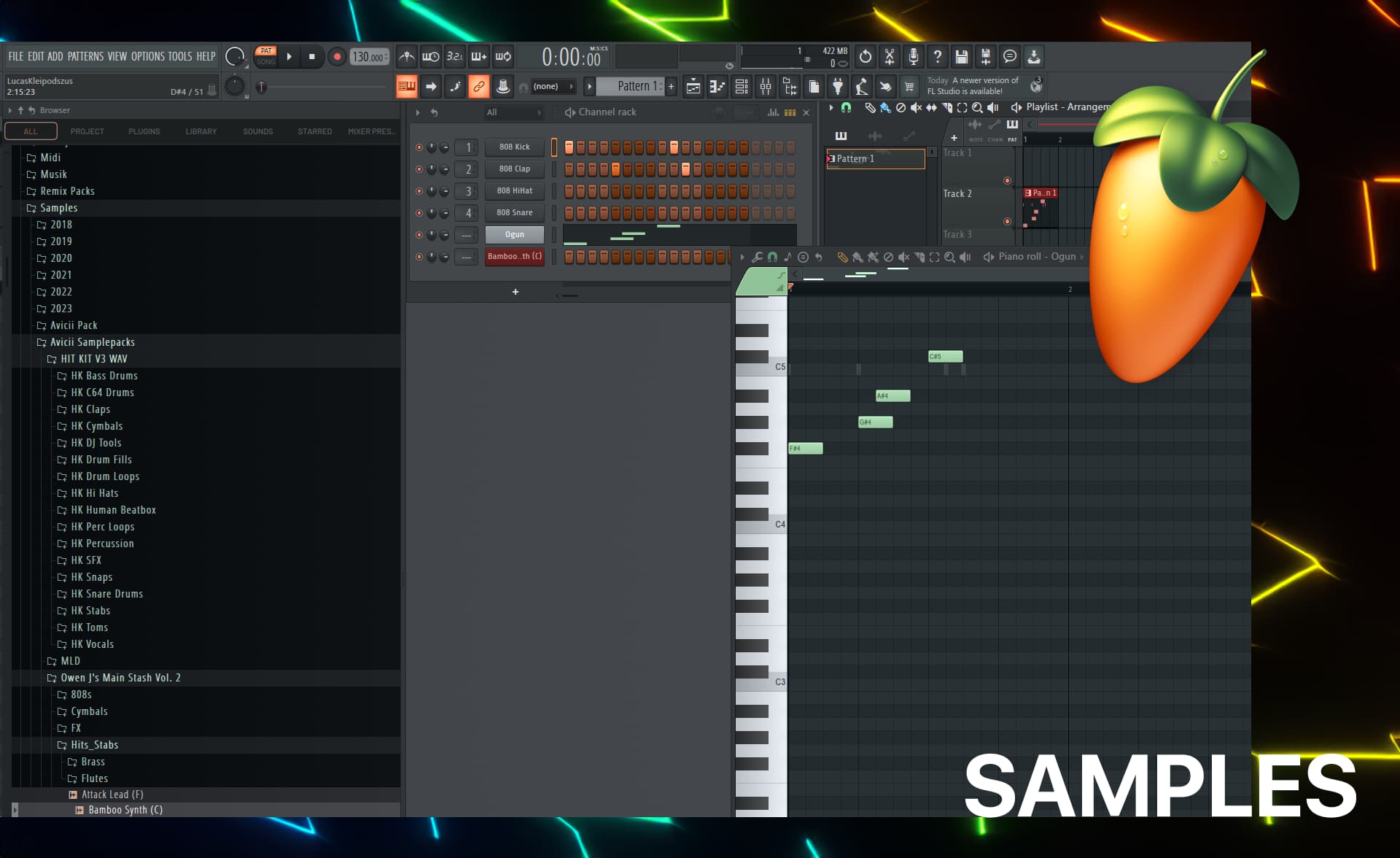
FL Studio Setup:
- Open your template (or download mine)
- Create a "Checklist" pattern track
- Add markers for each major section
- Reference checklist while producing
Pro Tip: Keep the checklist visible on a second monitor or tablet while producing.
Phase-by-Phase Walkthrough
Phase 1: Pre-Production (Items 1-8)
The Setup Phase
Key Actions:
- Define your track's genre and BPM
- Create reference track playlist
- Set up proper project organization
How to Apply:
1. Genre Definition
Example: "Melodic Progressive House"
BPM: 128
Key: C Major
Target: Festival main stage energy
2. Reference Tracks Choose 3-5 similar tracks and analyze:
- Arrangement structure
- Sound design choices
- Mix characteristics
3. Project Setup
ProjectName/
├── Audio/
├── MIDI/
├── Samples/
└── Exports/
Common Mistake: Skipping reference tracks. Don't do it—they're your roadmap to professional sound.
Phase 2: Sound Design (Items 9-16)
The Creative Phase
Key Actions:
- Select and design drum sounds
- Create bass layers
- Design synth sounds
How to Apply:
Drum Selection Strategy:
Checklist Item: "Kick drum selected and tuned to key"

Action Steps:
1. Load 3-5 kick samples
2. Test in context with bass
3. Choose the one that sits best
4. Tune if necessary (usually not needed)
Bass Design Formula:
Layer 1: Sub (pure sine, 40-60Hz)
Layer 2: Mid-bass (character, 100-200Hz)
Processing:
- Sidechain to kick
- EQ to remove mud
- Compression for consistency
Pro Tip: Use the checklist to avoid "option paralysis." Make decisions and move on.
Phase 3: Arrangement (Items 17-24)
The Structure Phase
Key Actions:
- Plan arrangement structure
- Add transitions
- Create variations
How to Apply:
Standard EDM Structure:
Intro (0:00-0:30): Set mood, minimal elements
Build-up (0:30-0:45): Rising tension
Drop/Chorus (0:45-1:15): Full energy
Verse/Breakdown (1:15-1:45): Contrast section
Build-up 2 (1:45-2:00): Second rise
Drop 2 (2:00-2:30): Variation on first drop
Outro (2:30-3:00): Resolution
Transition Elements Checklist:
- Filter sweeps on build-ups
- Risers and uplifters placed
- Impacts/downlifters on drops
- Reverse cymbals before sections
Phase 4: Mixing (Items 25-40)
The Polish Phase
Key Actions:
- Gain staging
- EQ and frequency management
- Compression and dynamics
- Spatial effects
How to Apply:
Gain Staging Protocol:
Step 1: Set all faders to -infinity
Step 2: Bring up kick to -12dB
Step 3: Add snare, balance to kick
Step 4: Add bass, balance to drums
Step 5: Add other elements around this foundation
EQ Workflow:
For each channel:
1. High-pass filter (80-120Hz for most)
2. Cut problematic frequencies
3. Boost character frequencies
4. Check in solo and context
The Mix Checklist in Action:
Check Frequency Spectrum:
Low-end (20-120Hz): Kick and bass defined?
Low-mids (120-400Hz): Clear, not muddy?
Mids (400Hz-2kHz): Presence and clarity?
High-mids (2-5kHz): Attack and intelligibility?
Highs (5-20kHz): Air and sparkle?
Pro Tip: Mix at low volumes. If it sounds good quiet, it'll sound great loud.
Phase 5: Mastering Prep (Items 41-44)
The Final Phase
Key Actions:
- Pre-master checks
- Export settings
- File organization
How to Apply:
Pre-Master Checklist:
Technical:
- [ ] No clipping on any channel
- [ ] Headroom on master (-3dB to -6dB)
- [ ] Mono compatibility checked

Musical:
- [ ] All elements audible
- [ ] Balance consistent throughout
- [ ] Emotional arc working
Export Settings:
Format: WAV
Bit depth: 24-bit
Sample rate: 44.1kHz (or 48kHz for video)
Headroom: -3dB peak
Naming: Artist_Track_Mix_24bit_44.1.wav
Phase 6: Release Prep (Items 45-47)
The Launch Phase
Key Actions:
- Metadata completion
- Asset preparation
- Distribution setup
How to Apply:
Metadata Checklist:
Track Information:
- [ ] Title finalized
- [ ] Artist name confirmed
- [ ] Featured artists credited
- [ ] ISRC code (if available)

Assets:
- [ ] Cover art (3000x3000px)
- [ ] Alternative formats prepared
- [ ] Promo materials ready
Customizing the Checklist
Making It Yours
Add Genre-Specific Items:
For House Music:
Additional Items:
- [ ] Four-on-the-floor kick pattern
- [ ] Off-beat bass confirmed
- [ ] Vocal chops processed
- [ ] Sidechain pumping appropriate
For Techno:
Additional Items:
- [ ] Industrial percussion layer
- [ ] Dark atmospheric elements
- [ ] Minimal arrangement verified
- [ ] Warehouse energy captured
Remove Irrelevant Items:
If you never use live instruments, remove those sections.
Creating Multiple Checklists
Different Checklists for Different Stages:
- Idea Phase Checklist (quick capture)
- Production Checklist (full workflow)
- Mixing Checklist (detailed mix)
- Final Checklist (pre-release)
Common Pitfalls and Solutions
Problem: Checklist Takes Too Long
Solution:
- Time yourself for 3 tracks
- Identify bottlenecks
- Streamline repetitive tasks
- Create templates for common actions
Problem: Forgetting to Use It
Solution:
- Keep checklist visible
- Set reminders
- Make it part of your opening ritual
- Use physical printout as visual cue
Problem: Rigid Workflow
Solution:
- Remember: checklist is a guide, not a rulebook
- Mark items as "N/A" when not applicable
- Trust your ears over the checklist
- Update checklist based on experience
Advanced Techniques
The "Checklist Sprint"
For tight deadlines:
- Set timer for 2 hours
- Complete only critical checklist items
- Focus on: drums, bass, main elements
- Skip: detailed sound design, extensive processing
Minimum Viable Checklist:
- [ ] Basic structure complete
- [ ] Drums and bass working
- [ ] Main melody/hook present
- [ ] No technical issues (clipping, etc.)
- [ ] Rough mix acceptable
Checklist as Learning Tool
Track Your Progress:
Create a spreadsheet:
Track | Date | Items Checked | Time | Notes
------|------|---------------|------|------
Track 1 | 2025-01-15 | 47/47 | 6h | First complete use
Track 2 | 2025-01-18 | 45/47 | 5h | Skipped 2 items
Identify Patterns:
- Which items do you consistently skip?
- Which take the longest?
- Where do you get stuck?
Integration with Your DAW
FL Studio Workflow
Project Template Setup:
-
Add empty patterns named after checklist phases:
- "01_PreProd_Checklist"
- "02_SoundDesign_Checklist"
- "03_Arrangement_Checklist"
- "04_Mixing_Checklist"
-
Color code each phase:
- Pre-production: Blue
- Sound design: Yellow
- Arrangement: Green
- Mixing: Red
-
Add notes to each pattern with key checklist items
Time-Saving Shortcuts
Create Macros for Repetitive Tasks:
FL Studio Patcher Presets:
- Standard EQ chain
- Compression settings
- Reverb sends
Keyboard Shortcuts:
- Memorize checklist navigation
- Quick save (Ctrl+S)
- Solo/mute shortcuts
Real-World Example
Producing a Track with the Checklist
Track: "Summer Vibes" (Progressive House)
Phase 1: Pre-Production (15 minutes)
- [x] Genre: Progressive House defined
- [x] BPM: 128 set
- [x] References: 3 tracks analyzed
- [x] Project folder created
Phase 2: Sound Design (45 minutes)
- [x] Kick selected and tuned
- [x] Snare layered for character
- [x] Bass designed (sub + mid layers)
- [x] Lead synth created
- [x] Pad sound designed
Phase 3: Arrangement (30 minutes)
- [x] Structure planned
- [x] 8-bar sections mapped
- [x] Build-ups placed
- [x] Breakdown designed
Phase 4: Mixing (60 minutes)
- [x] Gain staging complete
- [x] High-pass filters applied
- [x] Sidechain configured
- [x] Reverb sends set up
- [x] Automation added
Result: Professional-sounding track in 2.5 hours
Download and Next Steps
Get the Checklist
If you haven't downloaded it yet:
Download the Free Music Production Checklist →
Complete Your Toolkit
Recommended Resources:
- FL Studio Template - Professional project setup
- Avicii Production Secrets - Sound design mastery
- Suno AI Masterclass - Generate ideas quickly
Watch Video Tutorial
See the checklist in action on my YouTube channel:
Your Action Plan
This Week
Day 1: Download and print the checklist Day 2: Use it on your current project Day 3: Customize for your workflow Day 4-7: Use it daily, track your progress
Track Your Improvement
After 30 days of using the checklist:
- How much faster are you producing?
- How has your consistency improved?
- Which items have become automatic?
Questions?
How are you using the checklist? Share your workflow tips in the comments or reach out on social media!
Ready to produce like a pro? Get the checklist now and start creating consistently professional tracks.
Questions / Answers
Frequently asked questions
How often should I use the Music Production Checklist?
Use it for every track until the workflow is second nature — typically the first 20–30 productions. After that, keep it accessible for the final mix and master stages, where it's easy to miss steps under pressure. Many professionals use a condensed version as a pre-release checklist to catch issues before sending a track to a label, client, or streaming platform.
What should a music production checklist include?
A complete music production checklist should cover arrangement (song structure complete, transitions smooth), mix (low-end mono compatibility, no clipping, proper gain staging, stereo width check), master (LUFS target hit, true peak under -1 dBTP, loudness comparable to reference tracks), and release preparation (metadata correct, artwork 3000x3000px, ISRC assigned, format correct for distributor). The downloadable checklist covers all 47 of these checkpoints.
At what stage of production should I use a checklist?
The most impactful time to use a checklist is before you consider a track "finished" — after your final mix but before mastering. This is the last chance to catch arrangement issues, frequency clashes, or technical problems that would be expensive to fix after mastering. A second checklist pass after mastering, before submission to your distributor, catches file format and metadata issues.
How do I know when a track is ready to master?
Your mix is ready to master when it sounds good on multiple playback systems (speakers, headphones, earbuds, phone speaker), the loudest peak sits around -6 dBFS to give the mastering engineer headroom, there are no obvious frequency clashes or harsh elements, and the arrangement feels complete with no sections you're planning to change. If you're still moving things around in the arrangement, it's not ready to master.
Can I modify the checklist for my specific workflow?
Yes. The checklist is a starting point designed around a standard EDM/electronic music workflow. Add genre-specific steps (e.g., checking Beatport-specific requirements for EDM releases), remove items that don't apply to your setup, and adjust the order to match how you actually work. The goal is a system that catches your specific common mistakes, not a rigid universal standard.
Want more Livvux songs, breakdowns, and producer diary notes?
Follow my YouTube channel for the music and the process
Stay Close to the Sound
Get new Livvux releases, track breakdowns, producer notes, and useful FL Studio or AI-assisted workflow ideas in your inbox.
About the author

Livvux
Lucas is the producer behind Livvux, creating emotional EDM and showing the process behind the sound. Expect FL Studio workflow, AI-assisted ideas, Avicii-inspired music thinking, and personal track breakdowns.
Continue reading
Related posts
Free Livvux producer resources
Download the checklists, guides, and templates behind my emotional EDM workflow.